
What Is Smishing? The Sneaky Text Scam That’s Coming for Your Phone
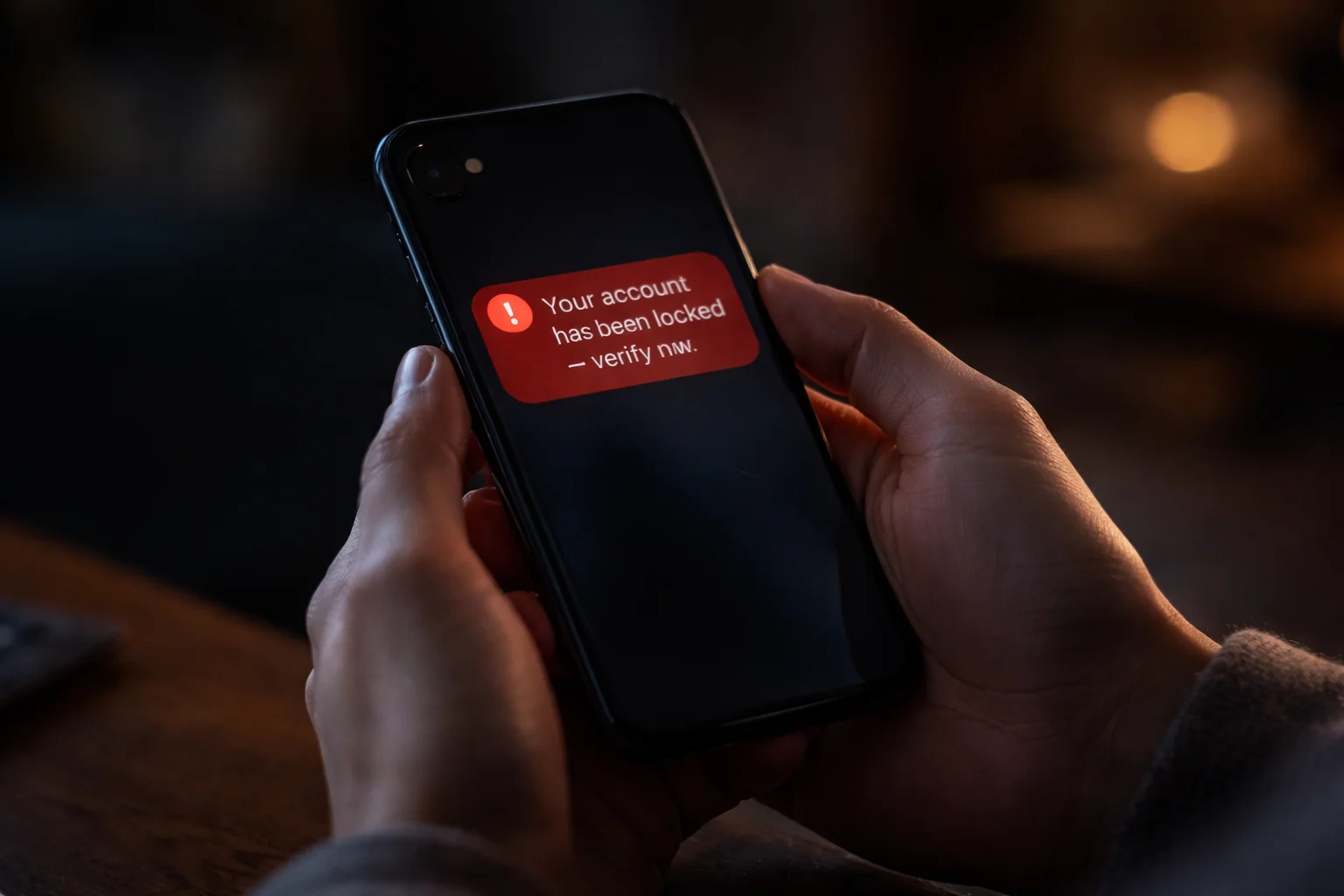
Here’s something kind of uncomfortable to think about: we’ve gotten pretty good at protecting our computers. Firewalls, antivirus software, spam filters — tech security has come a long way. But here’s the thing: cybercriminals noticed. And instead of keep trying to crack through all those digital walls, they just… went around them. They started texting us instead. What is Smishing?
Yep. Texting. That’s what smishing is, and honestly? It’s way more effective than most people realize.
So if you’ve ever gotten a weird text about a package you didn’t order, or a “urgent” message from your bank that made you go “hmm, that’s odd” — this article is for you. Let’s break it all down.
Table of Contents
So, What Does Smishing Actually Mean?
The smishing meaning is pretty simple once you know the trick: it’s a mashup of “SMS” and “phishing.” Basically, it’s when scammers send you fake text messages trying to get you to hand over personal info, click a sketchy link, or accidentally download malware onto your phone.
And here’s why it works so well: SMS messages have a 98% average open rate. Almost every text you receive, you open. Compare that to email where most of us ignore or delete half our inbox without even reading it. Scammers know that when they text you, you’re almost certainly going to look. That’s a huge advantage for them.
Smishing vs. Phishing vs. Vishing vs. Pharming — What’s the Difference?
Okay, so there’s a whole family of these scam types and the names are a little all over the place. Here’s a quick cheat sheet so you can keep them straight:
| Attack Type | How They Reach You | What It Looks Like |
|---|---|---|
| Phishing | Fake emails pretending to be Netflix, PayPal, your bank, etc. | |
| Smishing | SMS / WhatsApp / Messenger | Fake texts about deliveries, account alerts, or prizes |
| Vishing | Phone calls / VoIP | Someone “from your bank” calling to verify your card details |
| Pharming | Your web browser | You type in the right URL but land on a fake site anyway |
Now, why is smishing the one that’s really taking off? Because texts feel personal and casual. They don’t go through the same security filters your work email does. And let’s be honest — most of us are way more on-guard opening a sketchy email than we are reading a text message. Scammers figured that out.
7 Real Smishing Examples That Are Actually Out There Right Now
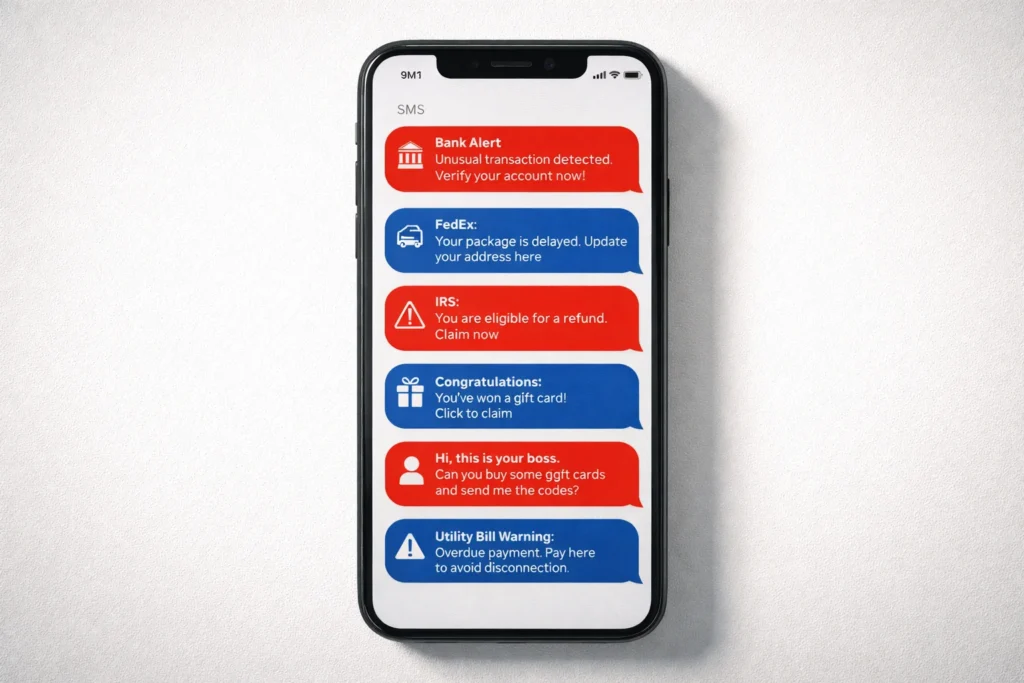
The best way to protect yourself from a smishing attack is to know what they actually look like. These aren’t made up — these are real templates being used right now:
1. Fake bank alerts. “Your account has been temporarily locked. Click here to restore access.” You tap the link, land on a fake login page, type your credentials — and that’s it. Gone.
2. The package delivery trick. This one is everywhere. You get a text saying your parcel couldn’t be delivered and you owe a small “redelivery fee.” Since most of us have about 4 things on the way from Amazon at any given time, this one works.
3. Government and tax scams. A text “from the IRS” saying you’re owed a refund, or worse, that you owe back taxes and legal action is pending. Fear of the government is a powerful thing, and scammers know it.
4. You won something! “Congratulations! You’ve been selected for a $1,000 gift card. Claim within 24 hours.” The combo of exciting news and a deadline short-circuits rational thinking. Don’t fall for it.
5. The fake manager text. Your “boss” texts asking you to urgently buy some gift cards for a client and send the codes. It feels real in the moment, especially if the name matches. This is called CEO fraud, and it costs businesses millions every year.
6. Your service is about to be cut off. “Your internet service will be disconnected today due to an outstanding balance.” Nobody wants their Wi-Fi cut off — so people panic and pay before thinking.
7. The friend-in-trouble scam. “Hey, it’s [name]. I’m in a really tough spot — can you send me some money? I’ll explain everything later.” This one hits the hardest because it targets your relationships, not your login details.
AI Is Making Smishing Way Scarier — Here’s How
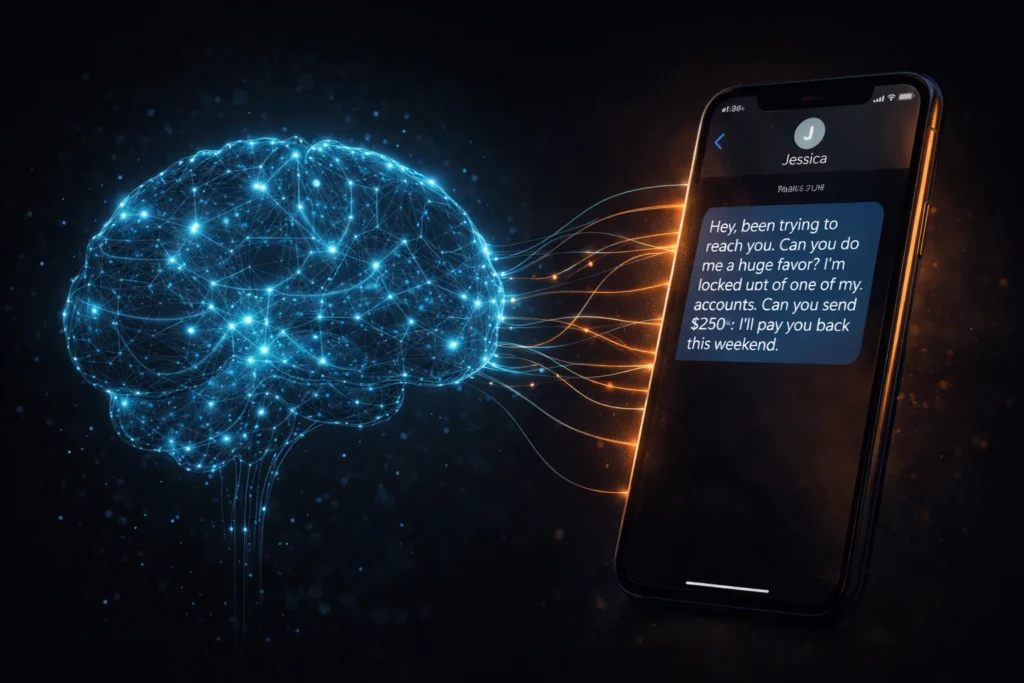
Here’s where it gets a little unsettling. Classic smishing messages used to be pretty easy to spot — bad grammar, weird phrasing, clearly a template. Not anymore.
Scammers are now using generative AI to write messages that sound exactly like the person or company they’re impersonating. The awkward English is gone. The generic greetings are gone. What you get instead is a message that matches the tone, style, and even the personality of someone you know or a brand you trust.
And in 2026, the scariest trend is multi-channel deepfake attacks. Here’s how it works: you get a smishing text setting up a scenario, then you get a follow-up phone call with a deepfake voice of your CEO or your bank manager confirming the request. Together, the two channels are incredibly convincing — and they’ve been used to authorize massive financial transfers at real organizations. It’s genuinely wild.
How to Tell If a Text Is a Scam
You don’t need to be a cybersecurity expert to spot most smishing attempts. Here are the things that should immediately make you go “wait a second…”
Everything feels urgent. Real companies don’t demand you act in the next 10 minutes or face consequences. That pressure is manufactured on purpose to make you react before you think.
The link looks off. Shortened URLs (bit.ly, tinyurl) hiding the actual destination, or weird domain names like “fedex-delivery-update.net” or “chase-accountsecure.com.” Real companies use their actual domains — not made-up variations.
They’re asking for sensitive info over text. Your bank will never ask for your PIN, password, or Social Security number via SMS. No legitimate company will. If a text asks for that, it’s a scam, full stop.
Something about the tone is just… wrong. If a message from your coworker or a friend reads a little stiff, uses words they’d never use, or just feels off — trust your gut. Especially now that AI is writing these messages, that “hmm, this doesn’t sound like them” instinct is actually valuable.
What You Can Actually Do About It
If you’re an individual
Just slow down. Seriously, that’s most of it. No legitimate text message requires an instant reaction. Give yourself a moment before you do anything.
Go directly to the source. Get a sketchy text from your bank? Don’t tap the link. Close the message, open your bank’s official app, and check from there. Same for delivery notifications — go to the courier’s official website and enter your tracking number yourself.
Forward spam texts to 7726. That spells “SPAM” on your keypad — it’s the shortcode that alerts your carrier so they can block the sender. Takes literally five seconds and helps protect everyone else too.
If you’re running a business

Run realistic smishing simulations. Your employees are your biggest vulnerability AND your biggest asset. Training that uses actual fake smishing texts — not just PowerPoints — is what builds real instincts. You want your team to automatically pause before acting on a suspicious text.
Get serious about BYOD policies. If employees are using personal phones for work, those devices need to meet minimum security standards and have limited access to company data. You can’t protect what you can’t see.
Use MFA and mobile security tools. Multi-Factor Authentication (MFA) means that even if someone steals a password through smishing, they still can’t get in. Pair that with a mobile security app that flags suspicious links and you’ve got a solid foundation. If you want to build an even stronger organizational posture, NIST’s guide to zero-trust architecture is a great place to start thinking about layered defenses.
Okay, What If You Already Clicked Something?
Don’t panic — but do move fast. Here’s exactly what to do:
Disconnect your phone right now. Turn off Wi-Fi and mobile data immediately. This cuts off any malware from being able to “phone home” to whoever sent it.
Run a security scan and change your passwords. Use a reputable mobile security app to scan your device. Then change the passwords for any accounts that might be exposed — start with your email, since that’s the key to everything else.
Call your bank directly. Use the number on the back of your card — not any number from the suspicious text. Let them know what happened and ask them to flag your account for fraud monitoring or freeze it if needed.
Freeze your credit. You can do this for free with Equifax, Experian, and TransUnion. It stops scammers from opening new credit accounts in your name. If you want step-by-step recovery guidance, the FTC’s IdentityTheft.gov builds you a personalized action plan.
For more on recovering from a social engineering attack, check out our full guide — the principles apply across the board.
What is Smishing – Conclusion
Smishing isn’t some obscure technical threat that only happens to other people. It’s happening constantly, to regular people, on the most personal device most of us own. And with AI in the mix now, those messages are getting harder and harder to spot just by reading them.
But the good news? The fix is mostly mindset, not technology. Pause before you click. Verify through official channels. Report what you see.
That’s really it. Stay curious, stay a little skeptical when your phone buzzes with something unexpected — and you’ll stay safe.