
Online Safety Tips Everyone Should Know
Let’s be honest — most of us know we should be doing more to stay safe online. We just either don’t know where to start, think it’s too complicated, or assume “it won’t happen to me.”
And then it does.
With cybercrime losses projected to hit a staggering $10.29 trillion globally, online safety isn’t something you can keep pushing to your to-do list. The good news? Most of the best online safety tips aren’t complicated at all. You don’t need to be a tech wizard. You just need the right habits — and this guide is going to walk you through all of them in plain English.
Let’s get into it.
Table of Contents
The Quick Answer: How Do You Stay Safe Online in 2026?
If you want the short version — here it is:
To stay genuinely safe online in 2026, you need to do three things above everything else: turn on multi-factor authentication (MFA) on every account that matters, use a VPN whenever you’re on public Wi-Fi, and adopt a zero-trust mindset when it comes to anything AI-generated. If a voice message, email, or video feels urgent and slightly off — assume it’s a scam until you can prove otherwise.
Simple? Yes. But most people still aren’t doing all three. Let’s fix that.
TL;DR — Key Takeaways
No time to read the whole thing? Here’s your cheat sheet:
- Network: Change your router’s default login credentials and turn off WPS and Remote Management
- Personal: Enable MFA on every account — authenticator apps beat SMS, but SMS beats nothing
- Scams: Any “urgent” request? Verify it through a completely separate channel before you do anything
- Data: Follow the 3-2-1 backup rule — three copies of your data, on two different types of media, with one stored completely offline
Got it? Good. Now let’s go deeper.
Securing Your Digital Front Door: Home & WiFi Protection
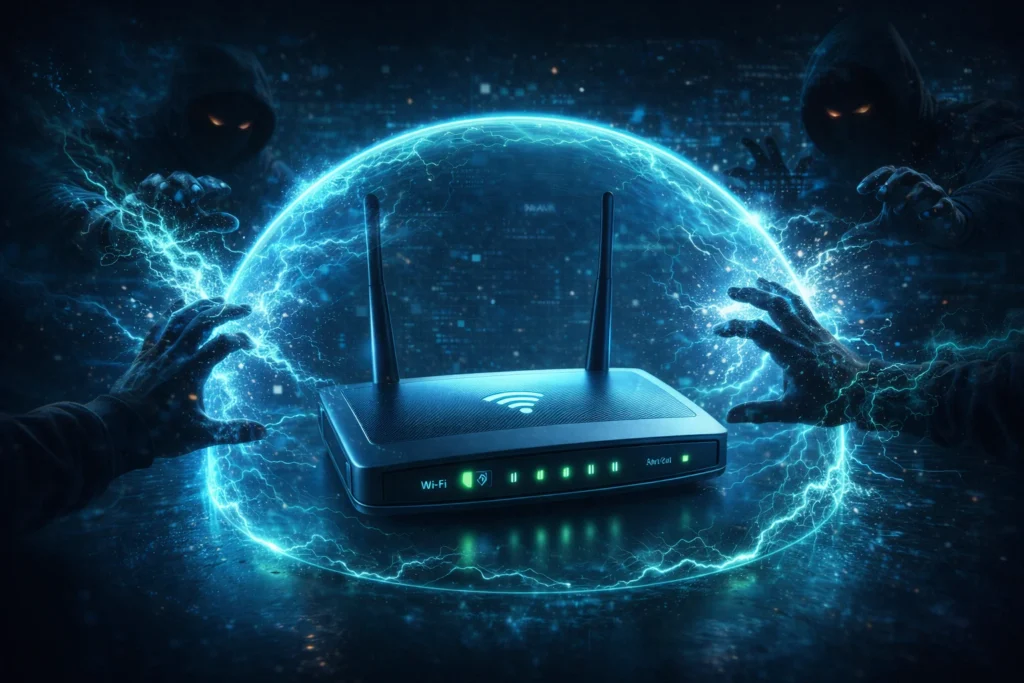
Your home router is basically the front door to everything connected in your house — your laptop, your phone, your smart TV, your kids’ tablets. And the scary reality is that most people leave that front door unlocked with a sign that says “admin / admin” on it.
Step 1: Harden Your Router (It Takes 5 Minutes)
Type your router’s IP address into your browser — usually something like 192.168.1.1 or 192.168.0.1. This opens your router’s admin panel. From here, do three things immediately:
- Change the default username and password to something strong and unique
- Disable WPS (Wi-Fi Protected Setup) — it sounds helpful but it’s a known security vulnerability
- Turn off Remote Management unless you genuinely need it
That’s it. You’ve just made your router significantly harder to attack than 90% of home networks.
Step 2: Create a Separate Network for Smart Devices
This one is genuinely underused and it’s such an easy win. Your smart fridge, Alexa, doorbell camera, and smart bulbs don’t need to be on the same network as your laptop and banking apps. Set up a Guest Network on your router (most modern routers have this built in) and put all your IoT devices on it.
Why? Because if someone hacks your smart kettle — yes, that’s a real thing — they’re isolated from everything that actually matters.
Step 3: Update Your Router’s Firmware
Routers get security patches just like your phone and laptop do. Most people never apply them. Check your router admin panel monthly for firmware updates, or set a calendar reminder if auto-updates aren’t available. This is one of those boring cybersecurity tips that quietly does a lot of heavy lifting.
Personal Defense: Advanced Habits for 2026
These are the everyday habits that separate people who get hacked from people who don’t. None of them are complicated.
Ditch Weak Passwords — For Good This Time
If your password is your dog’s name plus your birth year, we need to have a serious talk.
The 2026 standard for passwords is a 12-character passphrase — a random string of words or characters that’s long enough to be essentially uncrackable by brute force. And critically, every single account needs a different password. Yes, all of them.
“But how am I supposed to remember all of those?” — You’re not. That’s what a password manager is for. Tools like Bitwarden (free), 1Password, or Dashlane store all your passwords in an encrypted vault and auto-fill them. You only need to remember one master password. It’s genuinely one of the most impactful internet privacy tips you’ll ever act on.
Use a VPN — Especially on Public Wi-Fi
Public Wi-Fi at coffee shops, airports, and hotels is a playground for attackers. Through techniques like session hijacking and packet sniffing, someone on the same network can intercept your unencrypted traffic and grab login cookies, credentials, and sensitive data.
A VPN (Virtual Private Network) encrypts your connection so even if someone intercepts your traffic, they just get gibberish. Use one every single time you connect to a network you don’t control. And if you’re not sure how a VPN actually works under the hood, check out our full guide on [how a VPN works] — it explains everything without the technical jargon.
Don’t Forget the Physical Layer
Here’s something the internet safety guides usually skip: physical security matters too.
- Put a webcam cover on your laptop — they cost about $2 and take 10 seconds to apply
- Lock your screen whenever you step away. On Mac: Cmd + Ctrl + Q. On Windows: Win + L
- Be aware of shoulder surfing in public spaces — someone reading your screen over your coffee is a real threat
Sometimes the most effective cybersecurity tips are the low-tech ones.
Identifying Modern Scams: Know What You’re Up Against
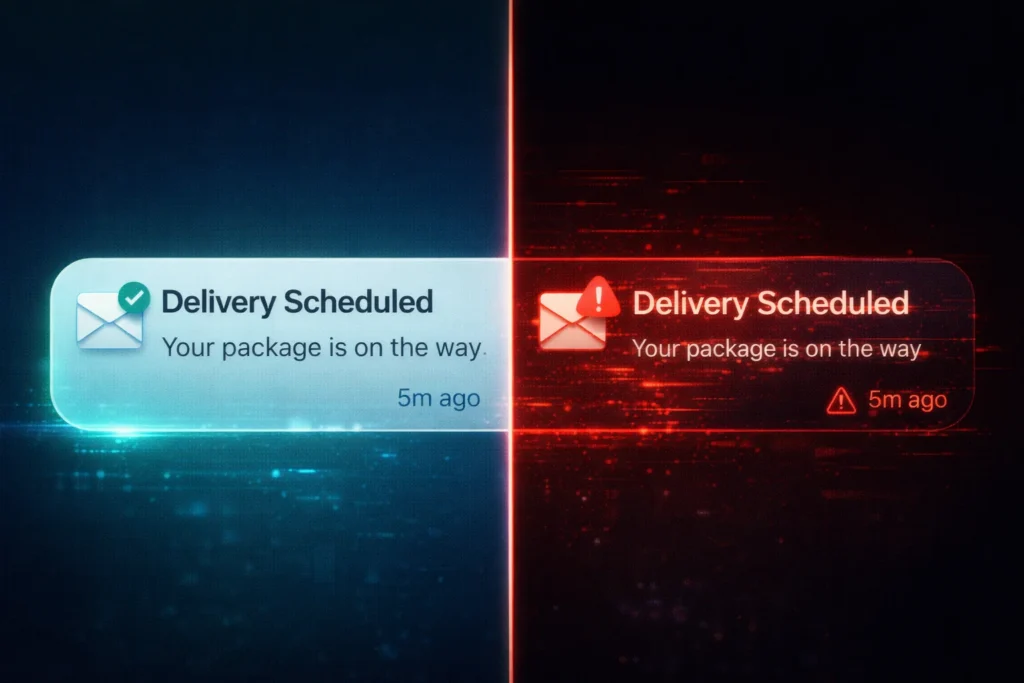
Scams in 2026 aren’t always obvious. AI has made phishing emails grammatically perfect and voice cloning has made fake phone calls genuinely hard to detect. Here’s a quick breakdown of what to watch for:
| Scam Type | Red Flags in 2026 | What to Do Right Now |
|---|---|---|
| Phishing / ID Link | Text asking you to “confirm” your Apple/Google ID via a link | Hover over the link first — then go directly to the official site instead of clicking |
| AI Impersonation | Voice or video of a “family member” urgently asking for money | Hang up immediately and call that person back on their known number |
| Tech Support Fraud | Pop-up claiming you have a virus and need to call a number or give remote access | Close the browser — real companies will never contact you out of nowhere like this |
The golden rule for all of these? Any message that creates urgency is trying to shut down your critical thinking. Slow down. Verify through a second channel. Real emergencies can wait 5 minutes for you to make a phone call.
Niche Safety: Students, Seniors & Social Media
Online safety looks a little different depending on who you are and how you use the internet. Here’s what matters most for specific groups:
For Students
Everything you post online creates a digital footprint — and unlike a bad haircut, it doesn’t grow out. A tweet from when you were 16 can show up in a background check when you’re 26. Seriously.
Set your social profiles to private, think twice before posting anything you wouldn’t want a future employer to see, and be extremely cautious about what personal information you share in online communities, Discord servers, and gaming platforms.
For Social Media Users
Platform-specific privacy settings are your friend and most people never touch them:
- TikTok: Use Family Pairing if you have kids on the platform
- Snapchat: Turn on Ghost Mode in your location settings so your precise location isn’t being shared with everyone
- Instagram/Facebook: Regularly audit which third-party apps have access to your account — most people have dozens of forgotten app connections sitting there
For Seniors
This section comes with zero judgment — scammers specifically target older adults because they know they’re less likely to have heard about newer tactics. That’s not a personal failing, it’s just the reality.
If you’ve received a suspicious call, email, or message: you don’t need to be embarrassed about it. Report it. In the US, use the FTC’s fraud reporting tool. In the UK, contact Action Fraud.
And if you think your bank details have been compromised — call your bank and freeze your account immediately. Don’t wait. Most banks can do this in minutes.
Organizational Security: This One’s for the Business Owners and Leaders
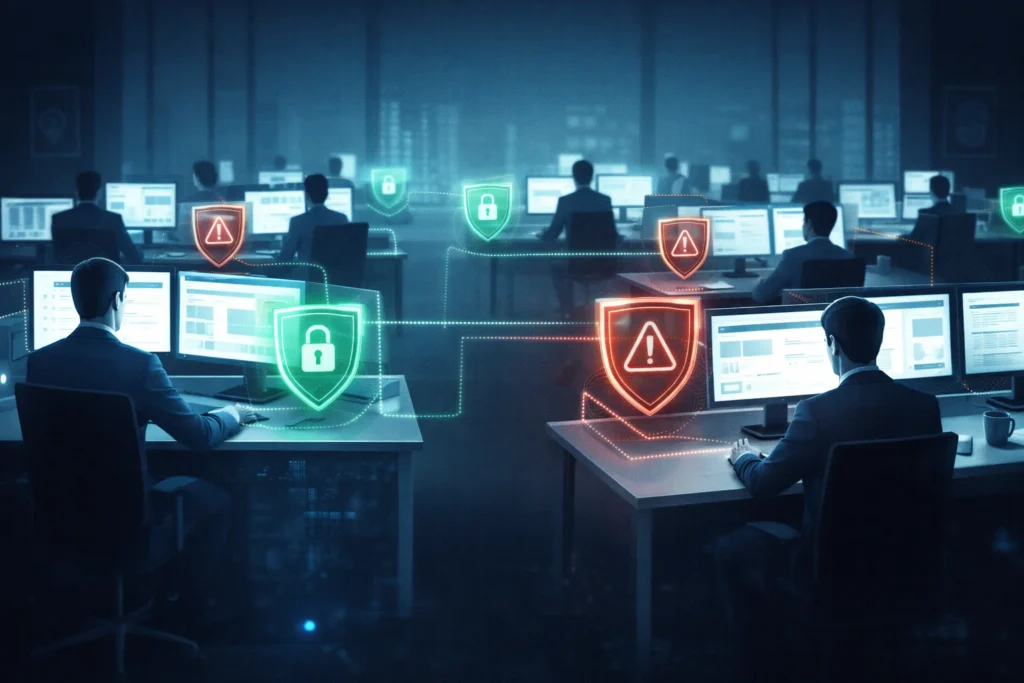
If you’re running a business — even a small one — your cybersecurity posture is everyone’s problem, not just IT’s.
Treat Cyber Risk Like a Business Risk
The most dangerous mindset in any organization is “that’s an IT problem.” Data breaches, ransomware attacks, and supply chain compromises affect revenue, reputation, legal liability, and customer trust. Cyber resilience needs to sit at the leadership level, not get buried in a ticket queue.
Vet Your Vendors and Supply Chain
Some of the most damaging breaches in recent years didn’t happen through the main target — they happened through a third-party supplier with weaker security. When evaluating vendors who’ll have access to your systems or data, check for certifications like ISO 27001 or Cyber Essentials. These aren’t guarantees, but they’re meaningful signals that a vendor takes security seriously.
Least Privilege Access — Always
Every employee in your organization should only have access to the data and systems they actually need for their specific role. Nothing more. This principle — called least privilege access — dramatically limits the damage if an account gets compromised.
The intern doesn’t need access to the payroll database. The marketing team doesn’t need admin rights on the server. Keep it tight.
Online Safety Tips FAQs
How often should I update my passwords? Stop thinking about it as a calendar thing — “change passwords every 90 days” is actually outdated advice. Instead, focus on having a unique password for every single site. Then if a breach is reported for any service you use, change that password immediately. Tools like HaveIBeenPwned.com will alert you when your email appears in a known breach.
Is public Wi-Fi safe if I use HTTPS? Better than nothing — but not enough on its own. HTTPS encrypts the data between you and the website, but attackers can still attempt session hijacking and other attacks on an unsecured network. A VPN adds a full layer of encryption around your entire connection, which is why it’s still the recommended move on any public network. These are the kinds of internet privacy tips that genuinely make a difference day-to-day.
Can AI actually help me stay safer online? Yes and no. AI-powered threat protection tools — built into browsers, antivirus software, and email platforms — are genuinely good at detecting malicious links and suspicious patterns. But here’s the flip side: the same AI is being used by attackers to craft more convincing scams. So use the tools, but keep your critical thinking sharp. If something feels off, trust that instinct.